STIIIZY Pro Settings Explained: Get the Perfect Hit
The STIIIZY Pro and Pro XL do something the classic STIIIZY battery can’t: they let you choose how your hits feel. With three power settings and a preheat function, you can go for smooth, flavorful puffs or bigger, stronger clouds.
The catch? Nobody explains the settings when you open the box. If you’ve ever wondered why your Pro is glowing white, or how to switch to a different setting, this guide is for you.
STIIIZY Pro vs. Pro XL: Same Settings, Different Battery
First, some good news. The STIIIZY Pro and STIIIZY Pro XL share the same features: three power settings, a preheat function, LED indicators, USB Type-C charging, and both automatic and button activation. The main difference is battery size. The Pro has a 210 mAh battery for portability, while the Pro XL packs 550 mAh for longer use between charges. So, everything below applies to both.
What Do the STIIIZY Pro Colors Mean?
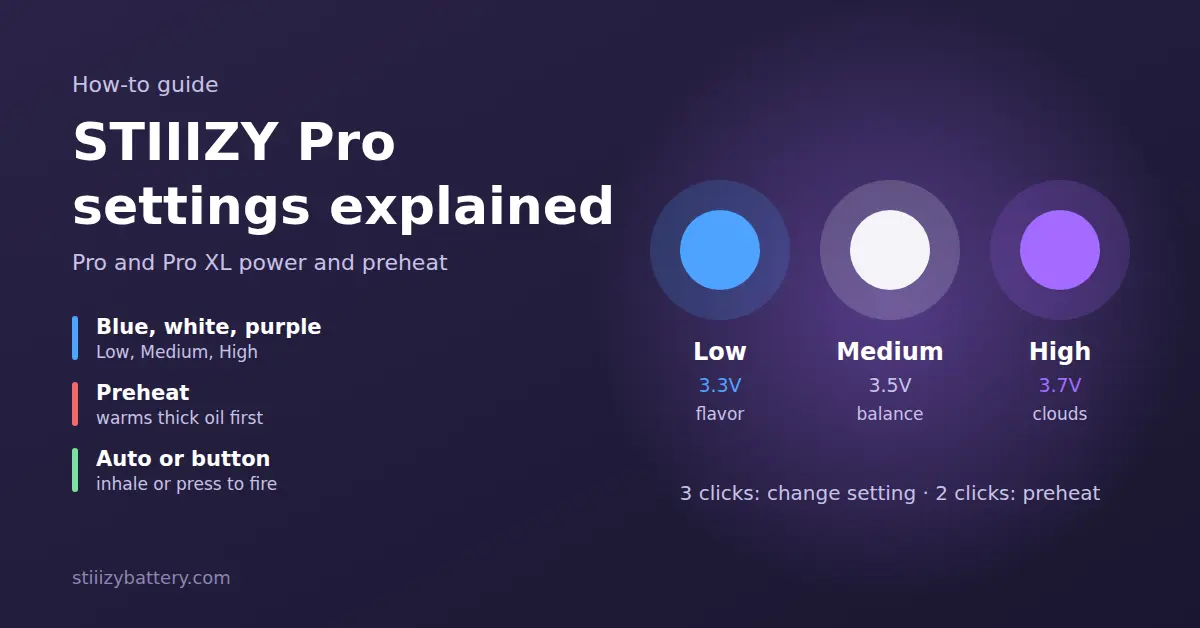
The LED light shows which power setting you’re on:
| Color | Setting | Voltage | Best For |
|---|---|---|---|
| Blue | Low | 3.3V | Smooth hits and the best flavor |
| White | Medium | 3.5V | A balance of flavor and vapor |
| Purple | High | 3.7V | Bigger clouds and stronger hits |
This is important: a white light on a Pro isn’t an error. It simply means you’re on Medium. Many people mistake it for a warning, so if your Pro glows white and hits fine, nothing is wrong.
How to Use Your STIIIZY Pro
The Pro uses one button for everything. Here are the commonly reported button sequences. If your device behaves differently, check the instructions that came in your box.
Turn It On or Off
Press the button five times quickly, within about two seconds.
Change the Power Setting
Press the button three times quickly, within about 1.5 seconds. The light will change color as you cycle through Low, Medium and High.
Use Preheat
Press the button twice quickly. The Pro will run a short, low-temperature preheat cycle of about six seconds. To cancel it, press the button once more.
Take a Hit
You have two options. Simply inhale for automatic activation, or press and hold the button while you draw for button activation.
What Is Preheat, and When Should You Use It?
Preheat gently warms the oil before your first hit. That helps thick oil flow properly, which gives you a smoother first puff and helps prevent clogs.
Use preheat when:
- Your pod has been somewhere cold
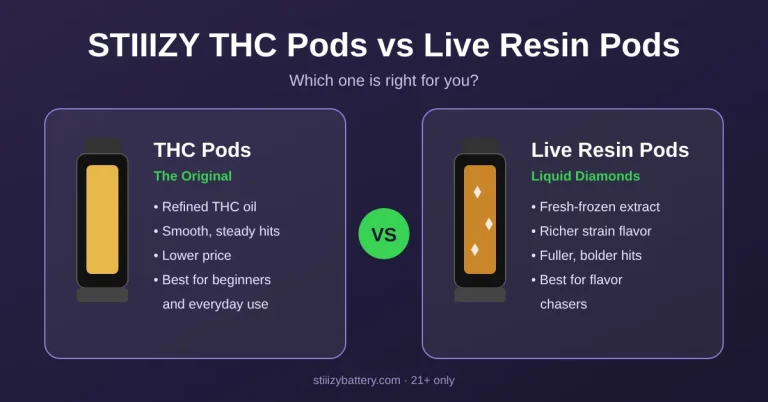
- You’re using thicker oils like live resin or Liquid Diamonds
- Your first hit feels weak or hard to pull
- The pod hasn’t been used for a while
Which Setting Should You Use?
There’s no single right answer, but here’s a helpful starting point:
Low (blue) is great for Live Resin pods and anyone who cares most about flavor. Lower heat helps preserve terpenes, and it’s the best setting for beginners.
Medium (white) works well for everyday use with Original THC pods. It balances flavor and vapor nicely.
High (purple) is for experienced users who want bigger clouds. Keep in mind that it uses oil faster and can taste harsher.
Tip: Start on Low and work your way up. If a hit tastes burnt or harsh, drop down a setting.
Does the Setting Affect How Long Your Pod Lasts?
Yes. Higher settings heat oil faster, which means you’ll go through pods more quickly. If you want your pods to last, stick with Low or Medium. Learn more in our guide on how long a STIIIZY pod lasts.
What About the STIIIZY Bar?
The STIIIZY Bar works a little differently. It offers four power levels: Low, Medium, High and Max. Max mode is only available when two compatible 1G pods are installed and the airflow is set to High. Like the Pro, it uses two quick presses for preheat.
Troubleshooting Your STIIIZY Pro
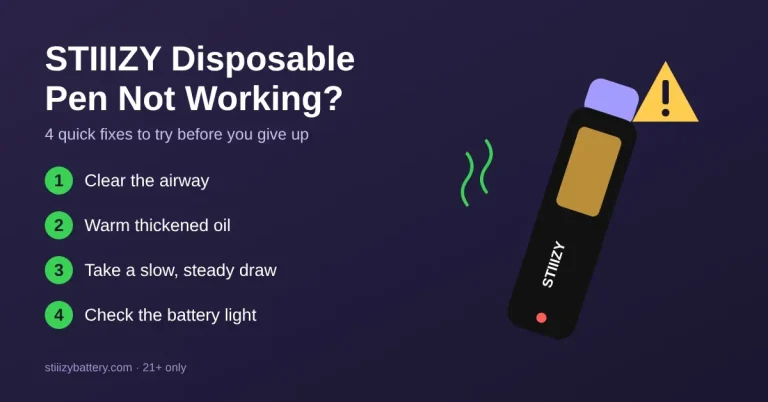
If your Pro isn’t hitting, try these quick fixes:
- Make sure it’s on. Press five times quickly to turn it on.
- Charge it. Plug it into a USB-C cable for a while. Our STIIIZY charger guide covers cables and charging tips.
- Clean the contacts with a cotton swab and a little isopropyl alcohol.
- Try preheat if the oil seems thick.
- Try a different pod to rule out a faulty one.
If the light is blinking, read our guide on why your STIIIZY is blinking.
FAQs
What do the colors on a STIIIZY Pro mean?
Blue is Low (3.3V), white is Medium (3.5V) and purple is High (3.7V).
How do I change the setting on my STIIIZY Pro?
Press the button three times quickly to cycle through the settings.
How do I preheat my STIIIZY Pro?
Press the button twice quickly. Press once more to cancel.
How do I turn my STIIIZY Pro on or off?
Press the button five times quickly.
Is a white light on my STIIIZY Pro bad?
No. White simply means you’re on the Medium setting.
Do the Pro and Pro XL have the same settings?
Yes. Both offer three power settings and preheat. The Pro XL just has a bigger battery.
For adults 21+ only. Follow the laws where you live and consume responsibly.